
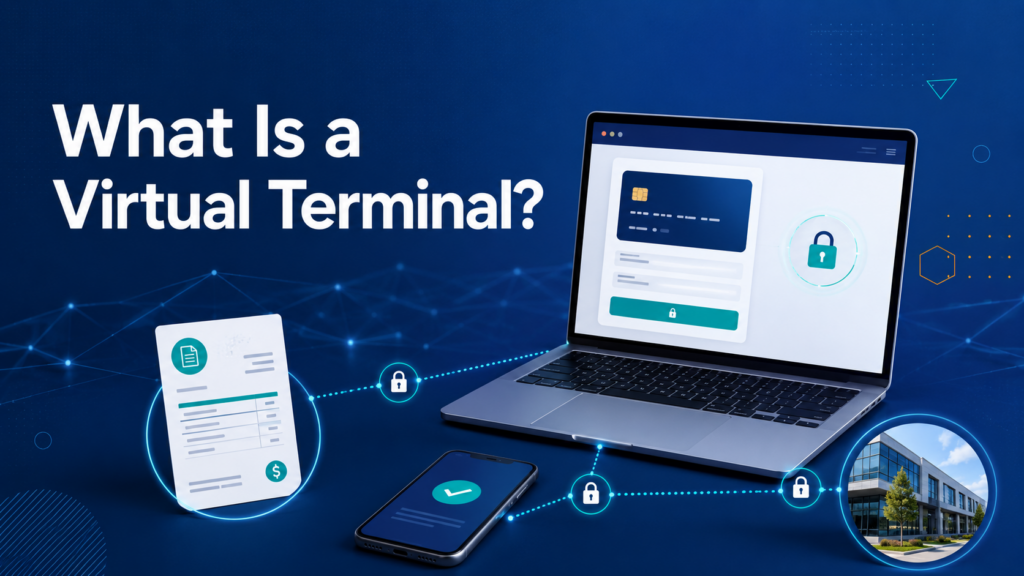
A virtual terminal turns a secure web browser into a payment-entry screen. Instead of tapping a card on countertop hardware, an authorized employee signs in and enters transaction details for a customer who is paying remotely. It is commonly used for phone orders, emailed invoices, deposits, and back-office collections.
Why it matters
Professional services, medical offices, wholesalers, property managers, contractors, and B2B companies often benefit because the customer is not always standing at a register. Many virtual terminals can also create invoices, send payment links, store tokenized customer profiles, schedule recurring charges, and report on remote transactions.
Where problems begin
The convenience comes with card-not-present risk. Employees should collect only the information required by the approved workflow and use AVS, card-security-code checks, and clear invoice details when appropriate. Full card numbers should never be copied into email, chat, paper notes, or an ordinary spreadsheet.
What merchants can do
Compare more than the monthly price. Look for user permissions, multifactor authentication, audit logs, receipt delivery, recurring billing controls, export options, and integration with accounting or customer-management software. Ask how keyed transactions are priced and whether a secure payment link could let the customer enter card information directly.
A practical next step
A virtual terminal is useful when remote card acceptance is a regular part of the business, not a workaround for a broken countertop device. Build a written process for customer authorization, refunds, and record retention. With the right controls, it can shorten collections and give office staff a practical way to accept payments without purchasing a terminal for every desk.
Location and device security still matter. Employees should use the virtual terminal only on managed devices and trusted networks, then sign out when finished. Browser autofill and shared passwords can expose customer information. Limit access to the people who process remote payments, and review user activity just as you would on a physical POS.
Review it regularly. Keep the process documented. Train staff before problems appear. Ask questions before changing important account settings. Check the agreement because provider rules and timelines vary. Small operational improvements can prevent expensive payment problems later. A knowledgeable payment professional can help review the setup before business activity changes.